

 Beta testing · free account
Your whole operation. One connected system.
RovrDS brings people, jobs, scheduling, field ops and finance together — so a timesheet updates payroll and a finished job updates your margins, without re-entering anything.
In beta testing — create a free account. First 3 seats free on Basic · See pricing
Stop running your business on five different tools.
Rosters in one app, timesheets in another, jobs in a spreadsheet and payroll somewhere else. Every handover is a chance to re-type, miss or double-pay something.
- One login for office and field
- Enter data once — it flows everywhere
- You control what each person can see
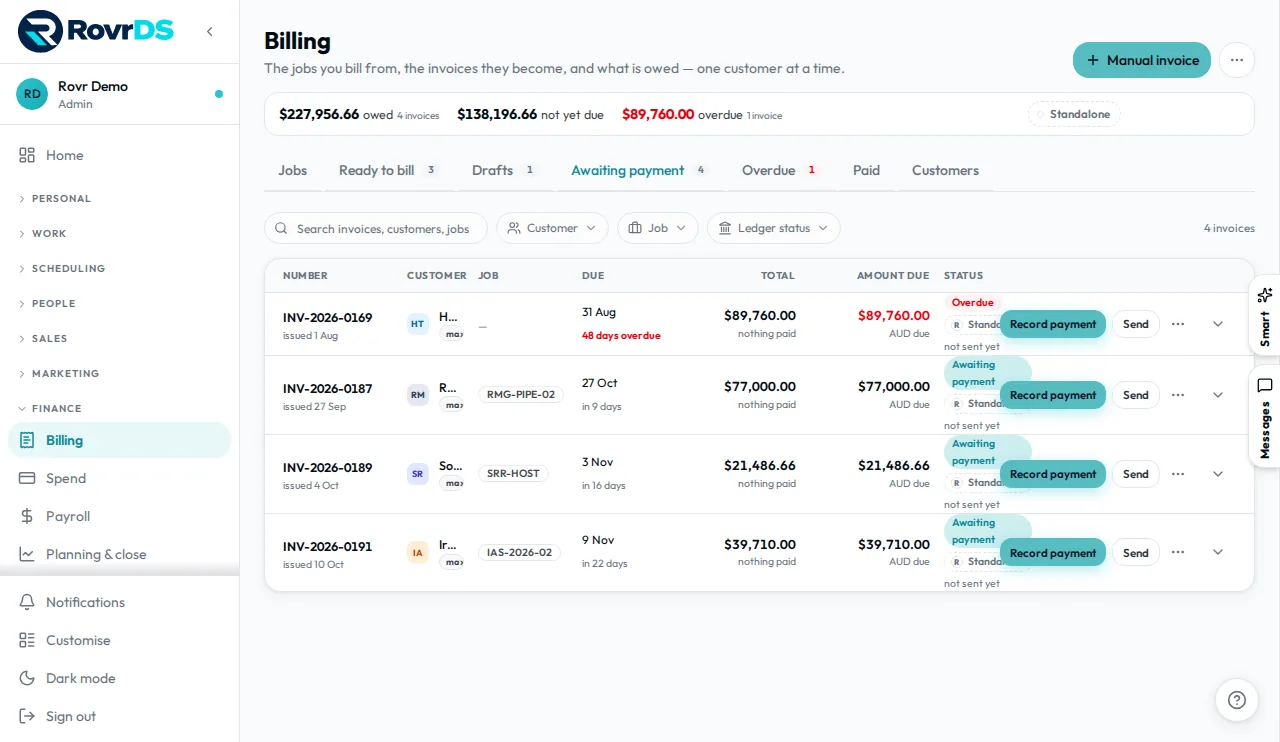
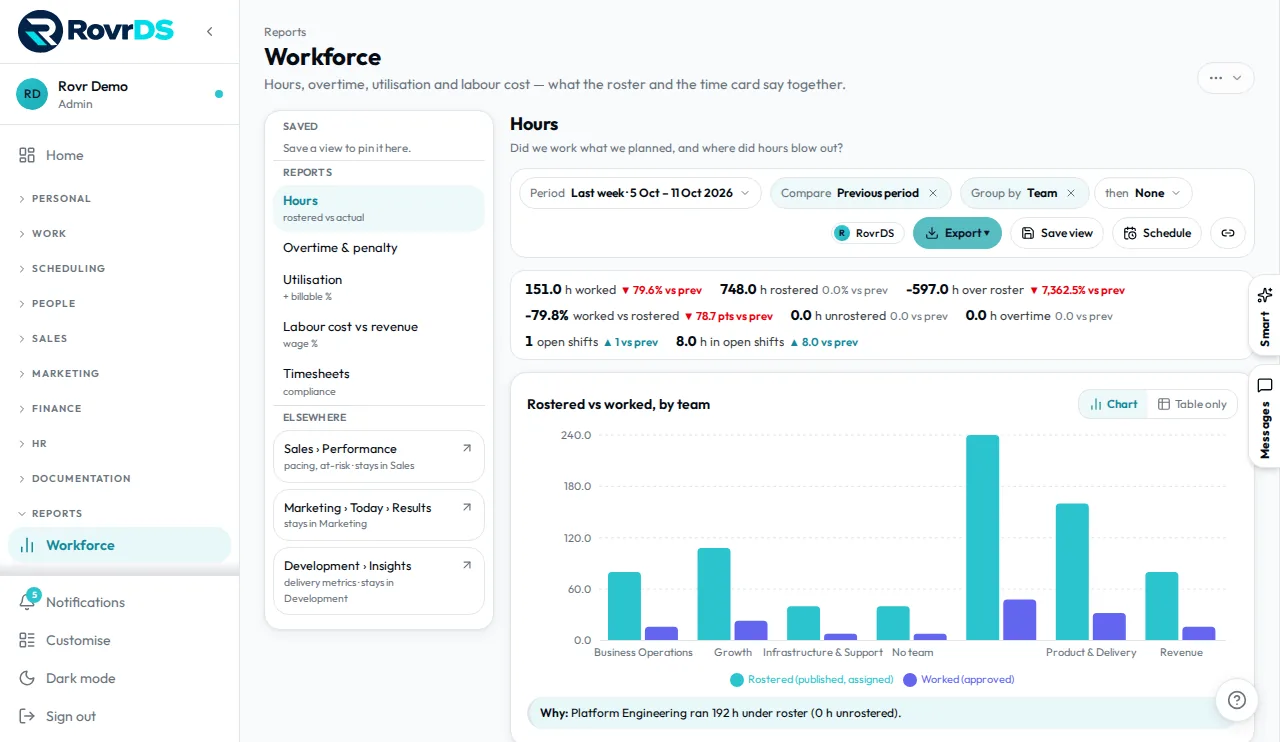
- Live view of jobs, people and money
Start with the core. Add modules when you need them.
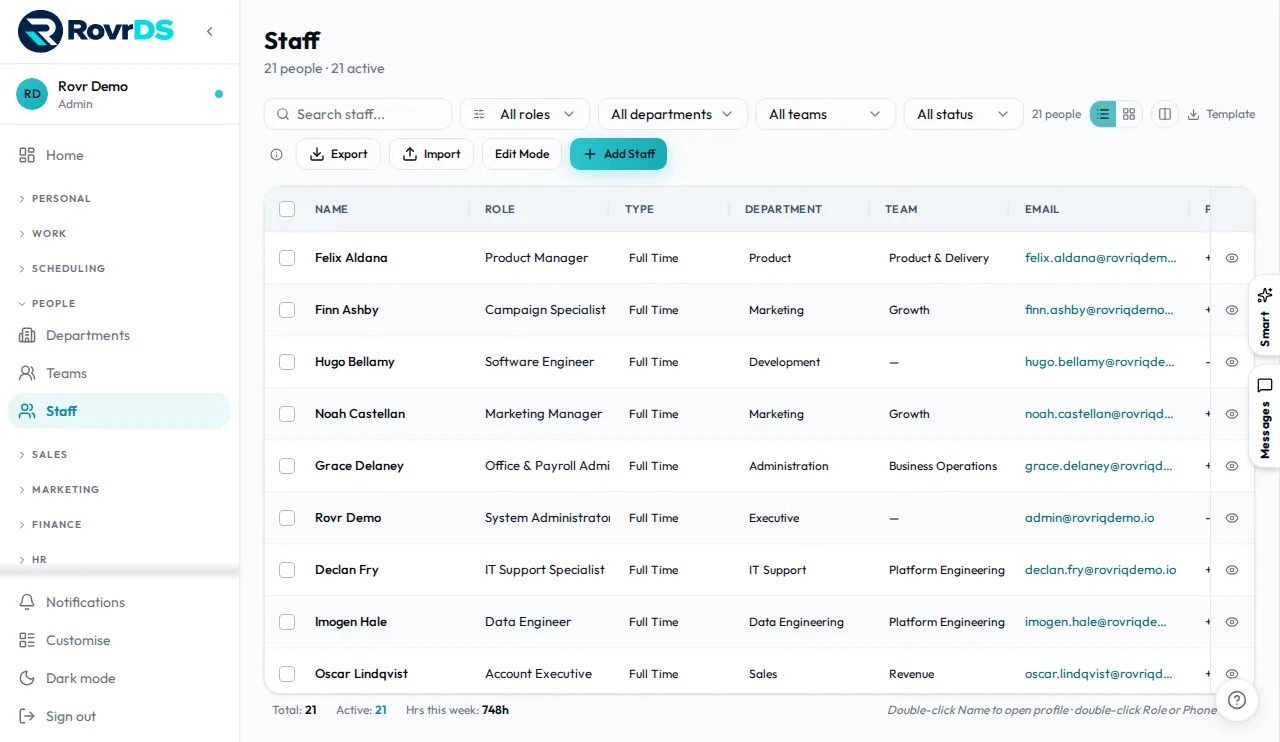
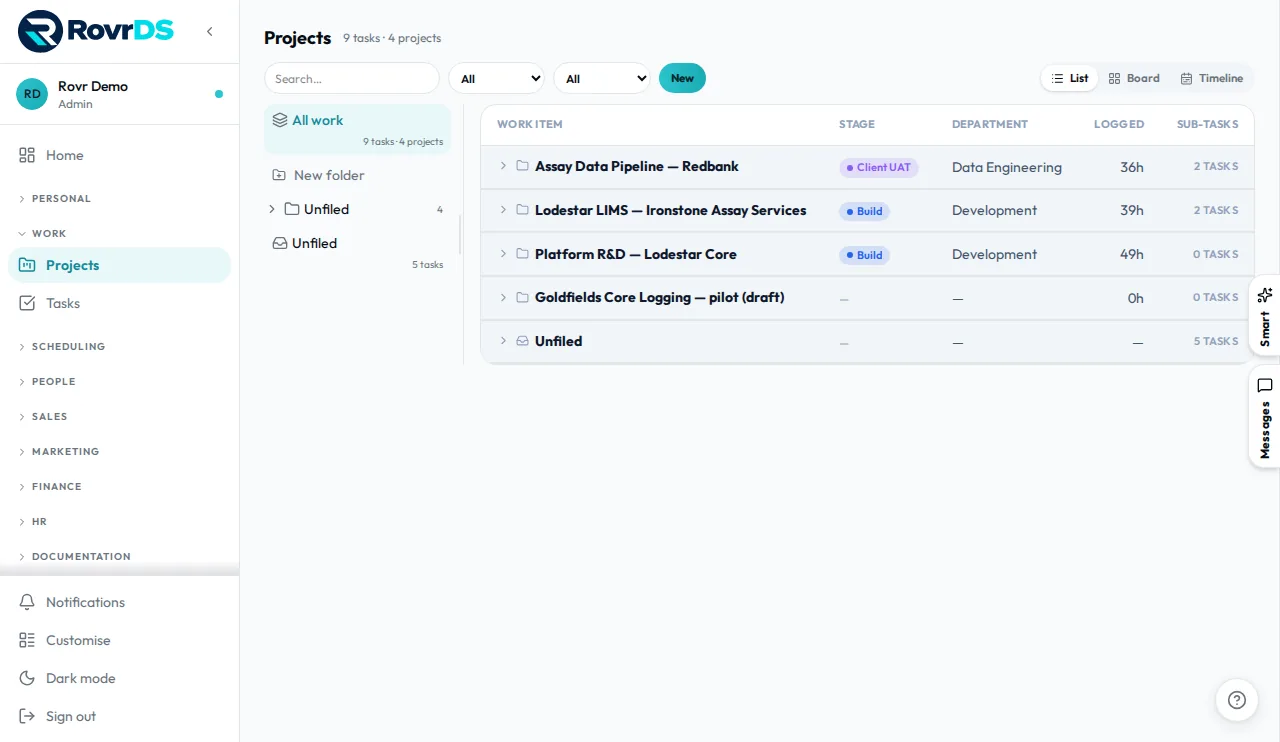
Personal, People, Work and Scheduling are in every account — along with Systems and Integrations. The add-ons are seats you buy only for the people who run them; everyone else keeps self-serving through Personal.
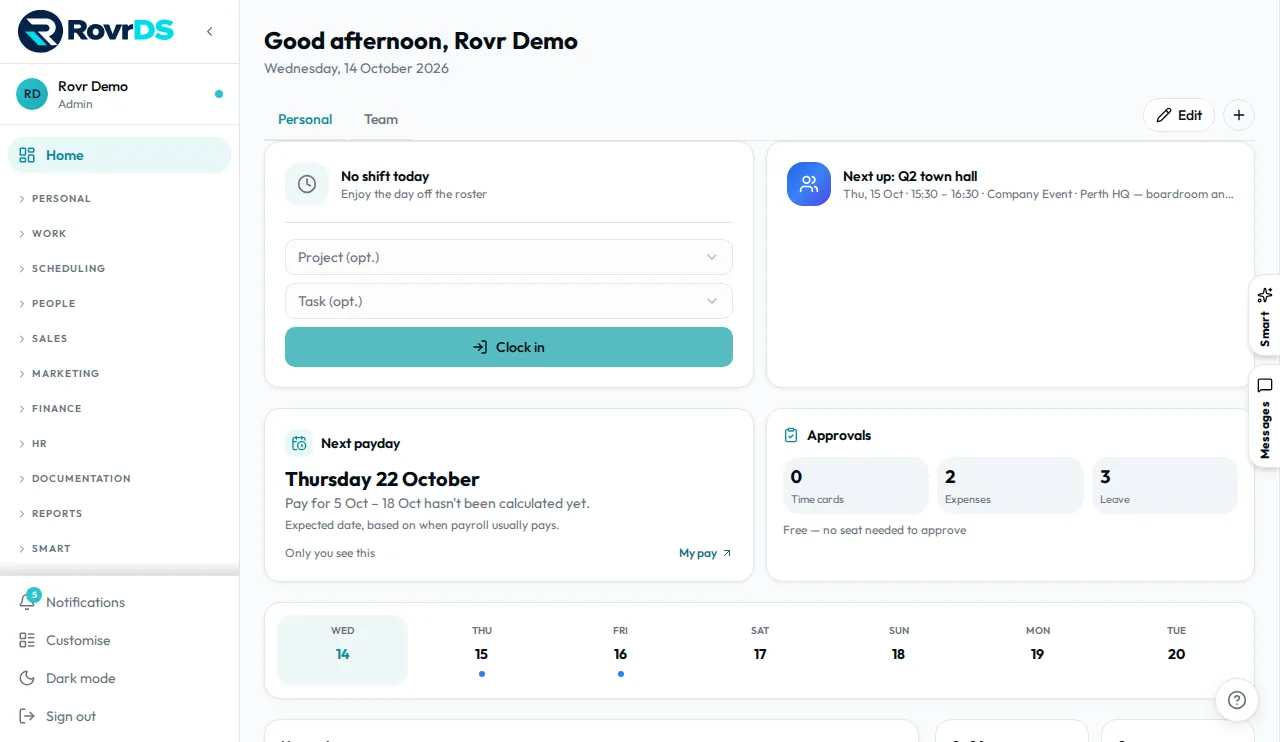 Clock in — on the phone or at the desk
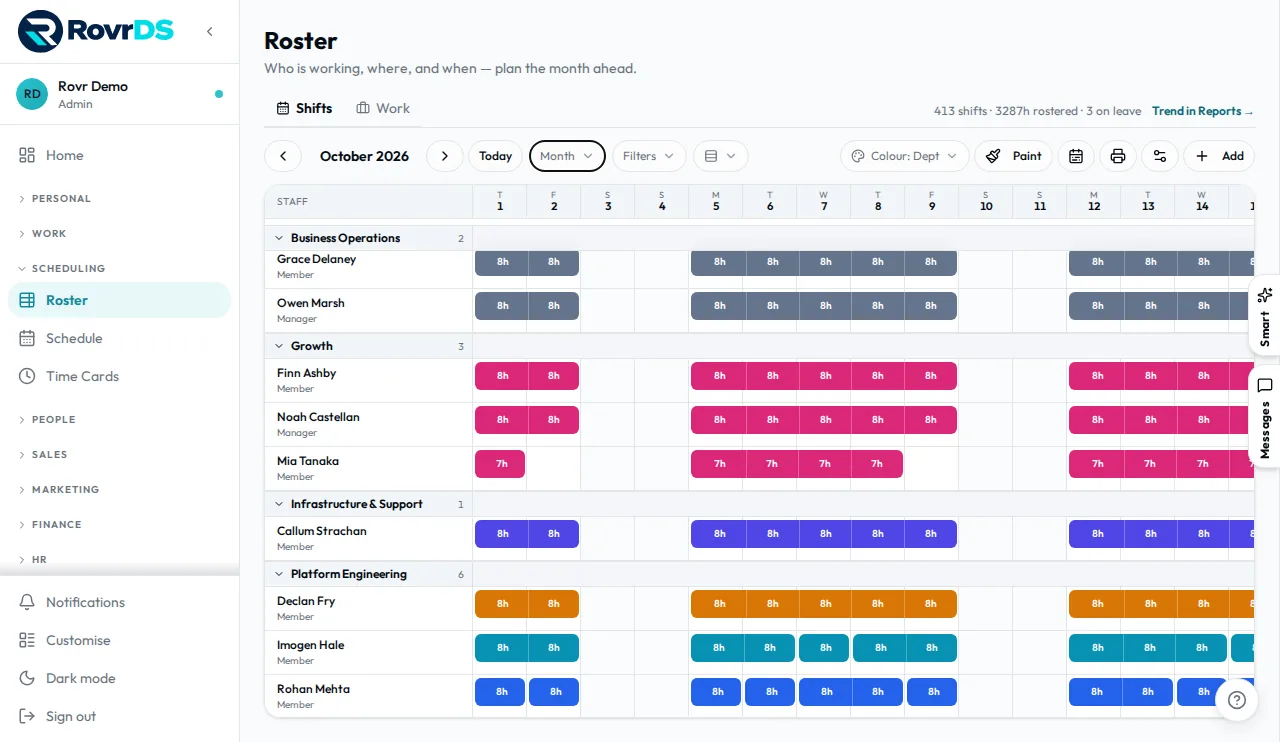
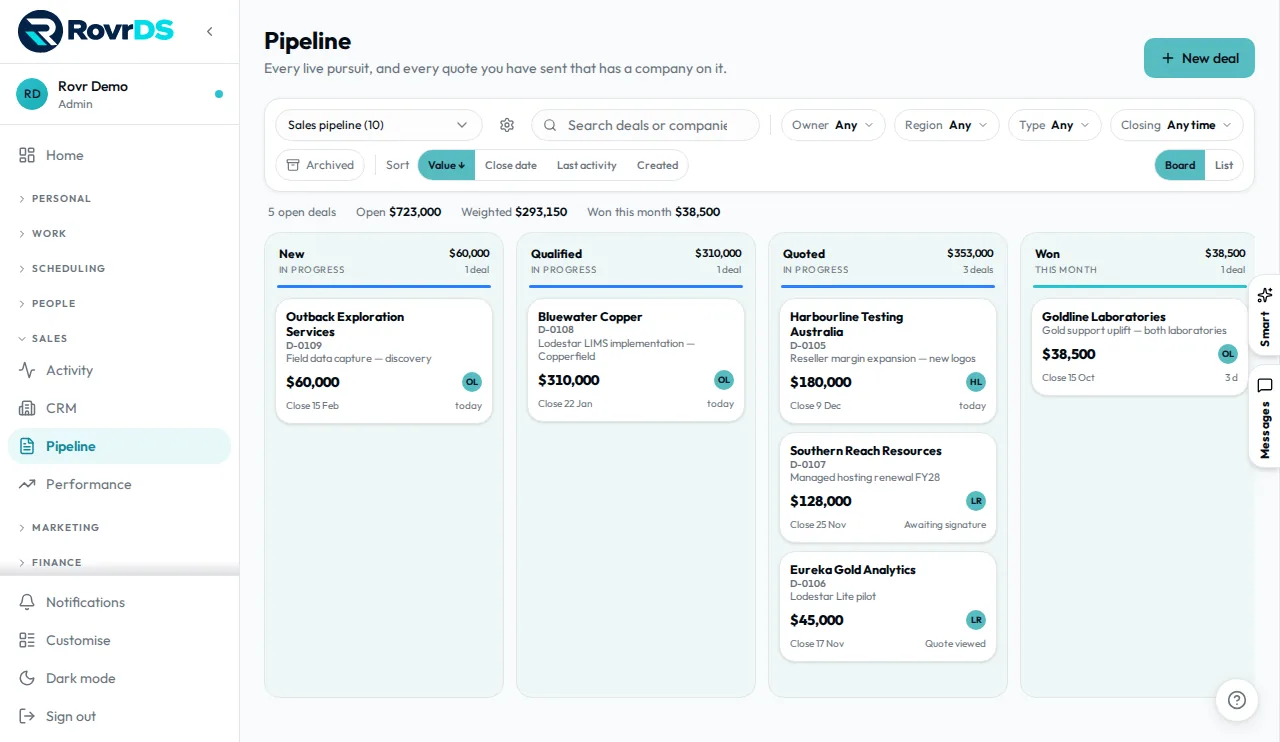
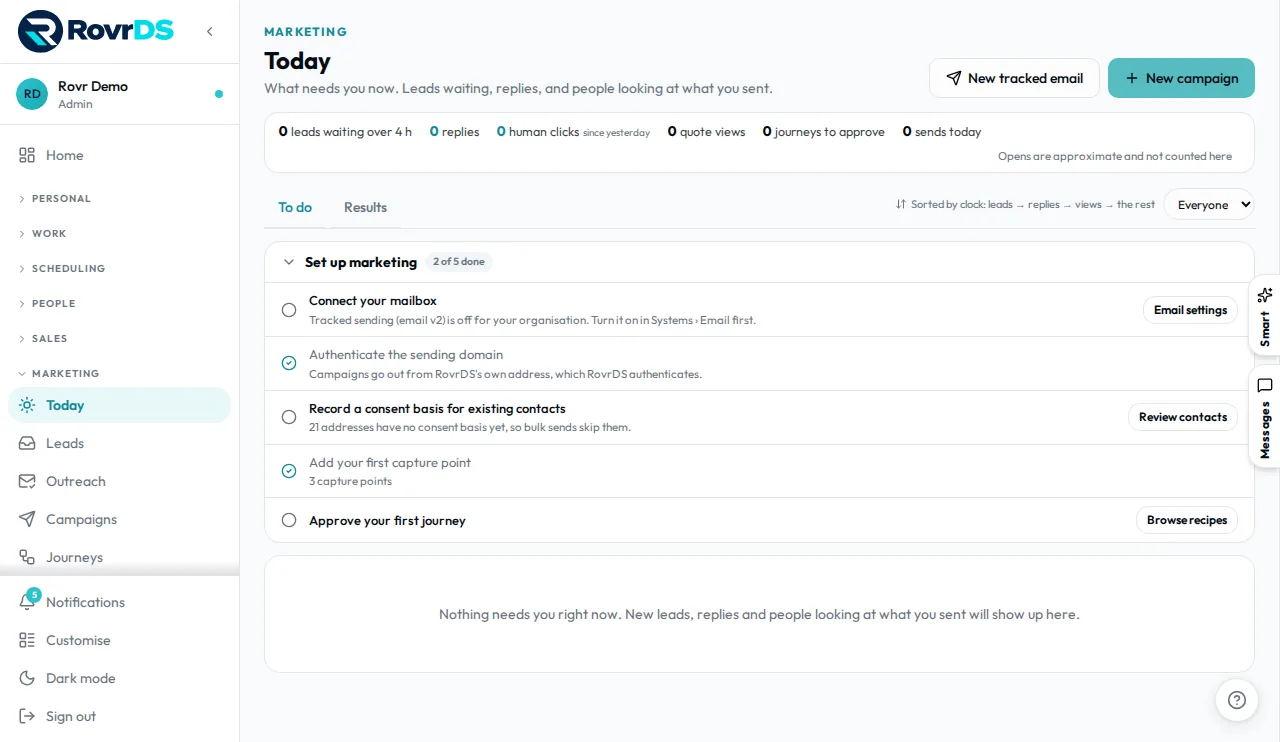
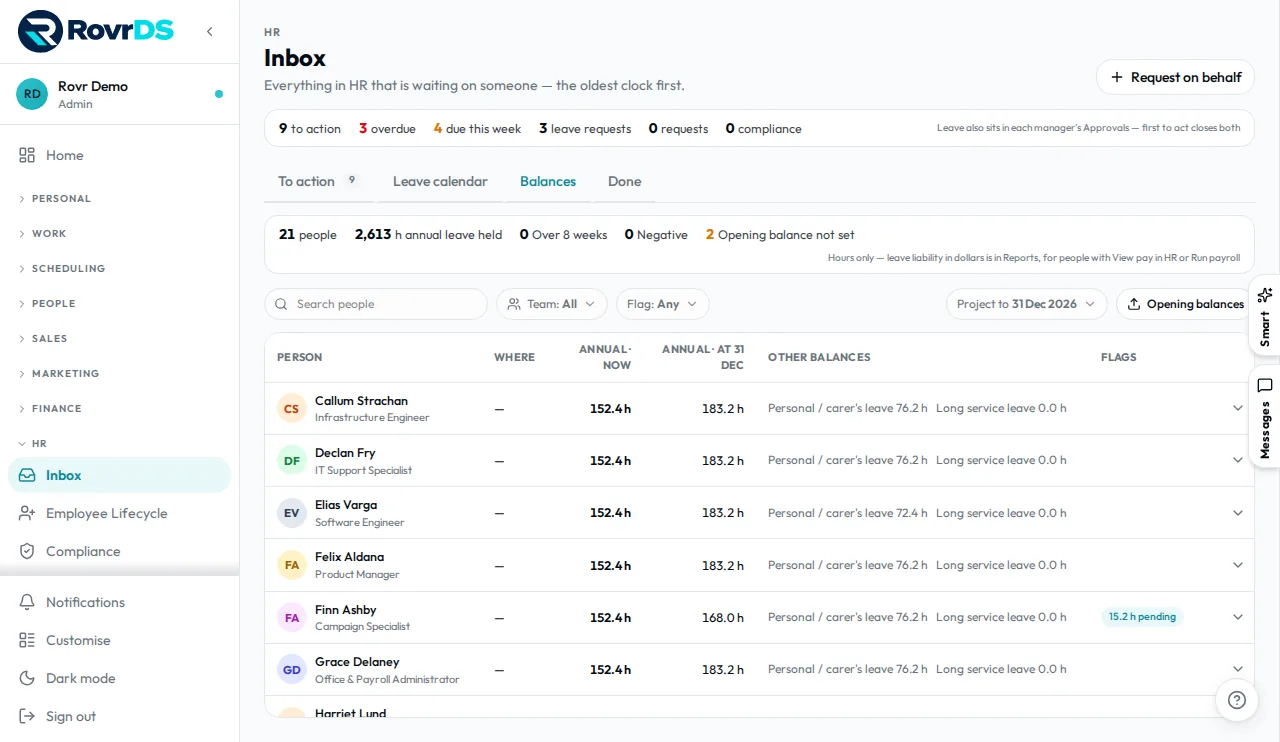
Enter it once. It flows everywhere.
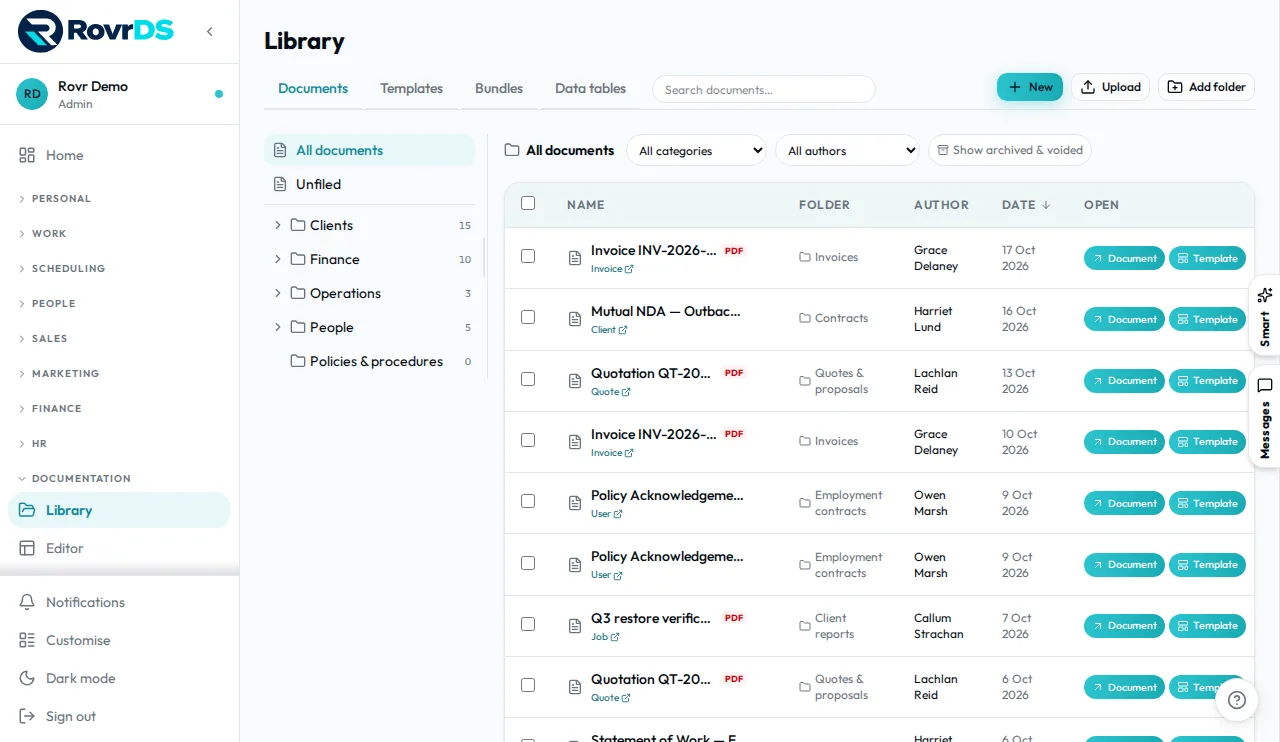
Every module shares the same data, so one action updates everything it touches.
Time → payroll
- Worker clocks in
- Timesheet created
- Reviewed and approved
- Pay run ready
Job → profit
- Job created
- Crew assigned
- Time and materials logged
- Job costing updated
Hire → first shift
- Profile created
- Permissions set
- Invite sent
- Rostered to first job
Site issue → resolved
- Issue reported on site
- Admin notified
- Assigned for action
- Audit trail complete
See your business as a living galaxy.
Every job, person and invoice is a point of light. Where money is flowing, the band runs thick and bright. Where it's stuck, it thins — and you can see it before it shows up in the bank.
Ask your business a question.
Smart answers from your own data, as you — it only sees what you can see. When it suggests a change it drafts a plan card, and a person approves it.
- Runs on a model we operate, in our own data region
- Acts with your permissions — never more
- Payroll runs, access and billing stay human-only
- Every change can be undone for 7 days
Simple per-seat pricing
One plan. Add modules only when you need them.
Basic
then A$20 / seat / month
Base plan includes:
Add-on modules
Optional. Priced per seat, per month.
| Module | Per seat / month |
|---|---|
| Sales | A$20 |
| Marketing | A$20 |
| Documentation | A$20 |
| Finance | A$20 |
| HR | A$20 |
| Reports | A$15 |
| Smart | A$45 |
| Development | Not yet available |
Prices in AUD and include GST. Billed monthly, no lock-in. A Smart seat includes 400 units a month; top-up packs are A$28 for 250 personal units, and A$56, A$112 or A$560 for 500, 1,000 or 5,000 pool units. The Development module is still being built and isn't available yet.
What does it cost?
The Basic plan includes your first 3 seats free, then A$20 per seat per month. Add-on modules are priced per seat, per month — see the table above.
What does Smart cost?
Smart is A$45 per seat per month, and every seat includes 400 Smart units a month for that person. When someone runs out, they can buy a personal top-up of 250 units for A$28, or the company can buy a pool that an admin shares out: 500 units for A$56, 1,000 for A$112 or 5,000 for A$560. Units are per calendar month; nothing is charged until you top up.
Do prices include GST?
Prices are shown in Australian dollars (A$) and include GST for Australian customers. Other regions are billed in A$ at the same rates.
How does billing work?
Billed monthly. There's no lock-in contract, and you can cancel any time.
What is a seat?
A seat is one person using RovrDS. Your first 3 seats are free on Basic; each seat after that is A$20 a month. You decide what each person can see and do.
How are add-on modules charged?
Add-ons are optional and priced per seat, per month, on top of Basic — for example Reports is A$15 per seat per month.
Is there a special beta price?
No. Normal pricing applies during beta testing — and your first 3 seats on Basic stay free.
Built like it's holding your payroll. Because it is.
Microsoft Azure in Sydney, Australia, with automatic daily backups.
Every company's data is separated in the database itself, and checked again in the app.
Two-factor sign-in with an authenticator app, and invites are the only way into your company.
Export as CSV, Excel or PDF, and delete your account and data yourself. Data & security
Create a free RovrDS account
RovrDS is in beta testing — anyone can sign up. Your first 3 seats are free on the Basic plan, so you can set up your team and try it on real work.
Create a free account
Sign up in the RovrDS web app. Your first 3 seats are free.
Add your team
Add your people and set what each person can see and do.
Run your day in one place
Roster shifts, track jobs and time, and add modules when you need them.